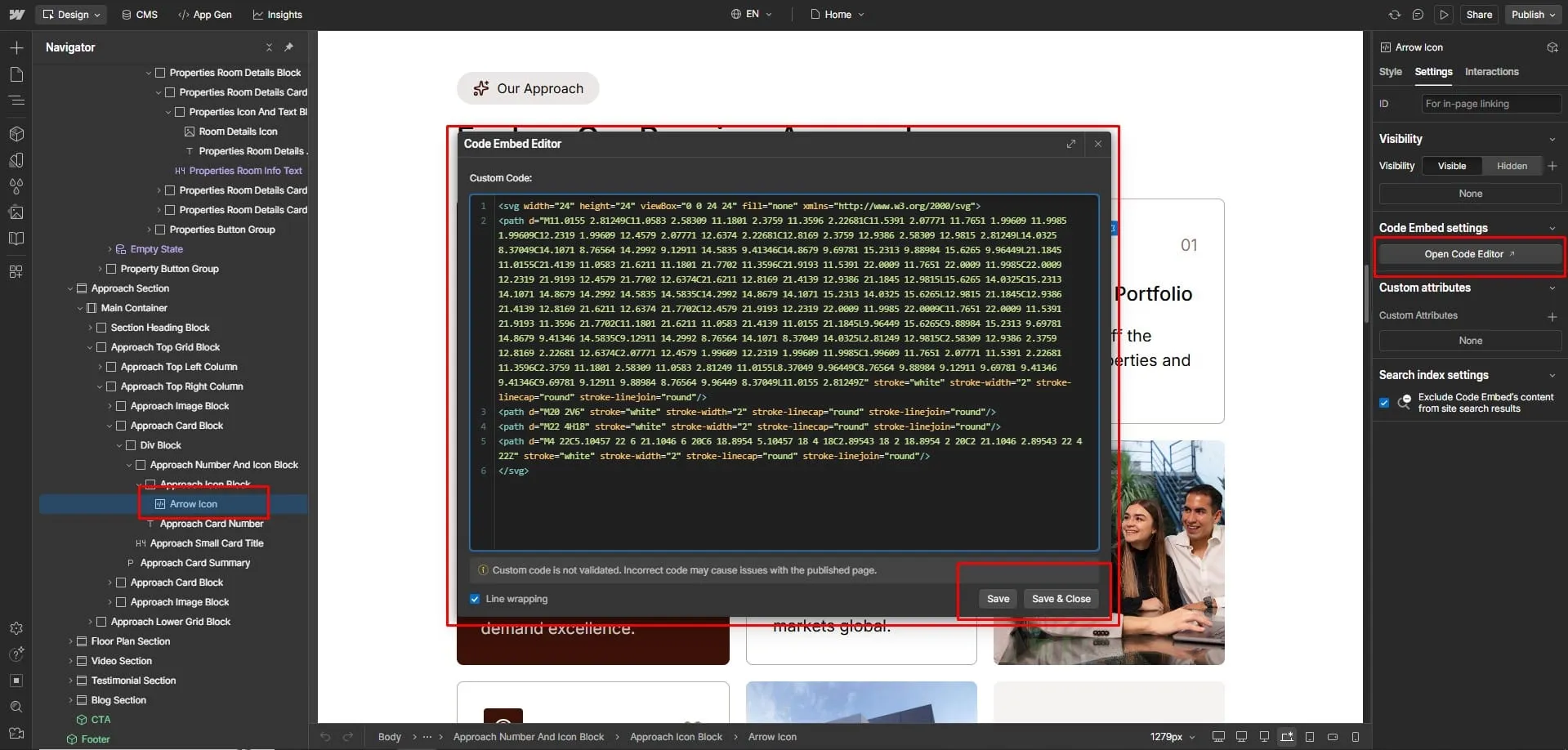
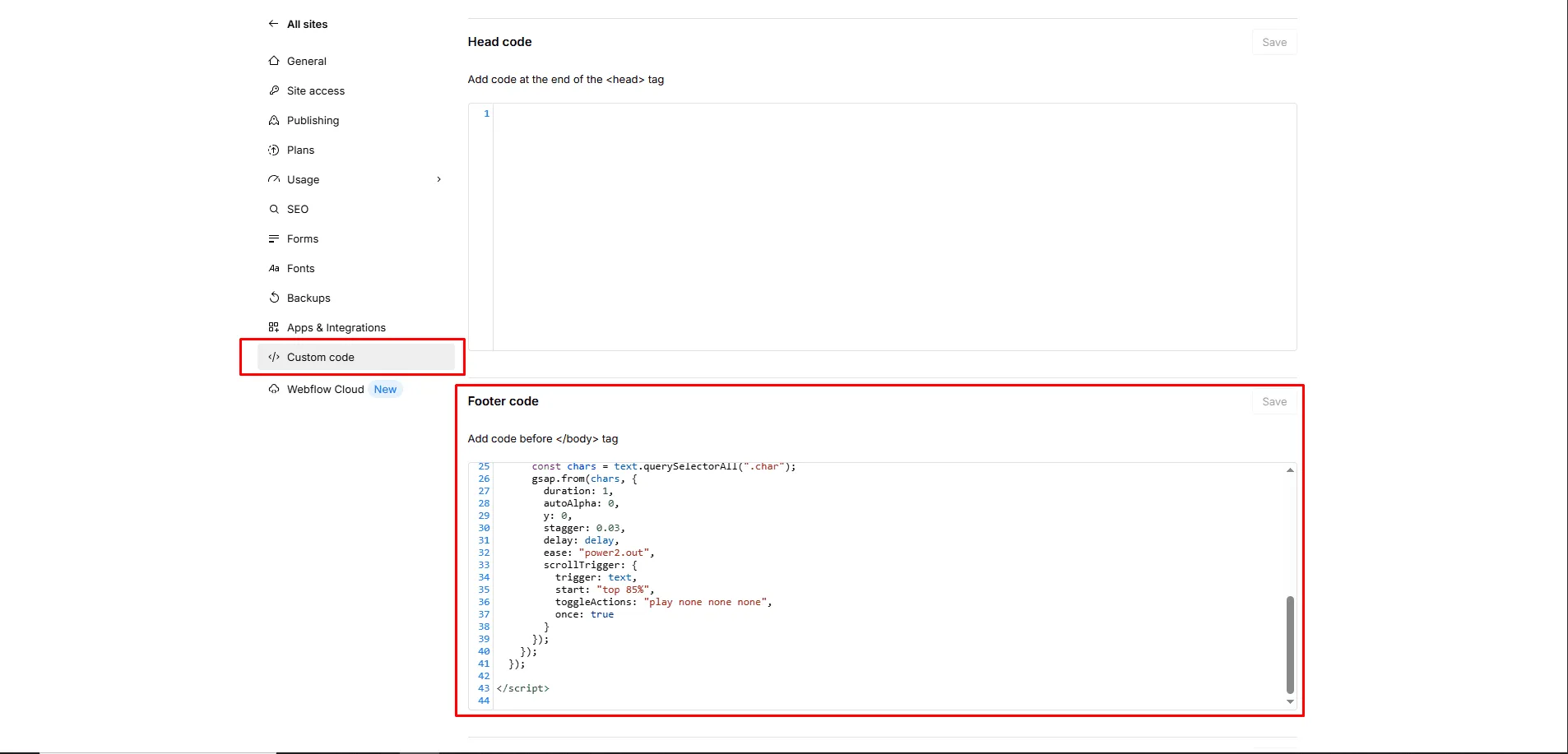
- Open Site Settings → Custom Code → before </body> tag.
- Paste the GSAP animation code.
<script>
gsap.registerPlugin(ScrollTrigger);
document.querySelectorAll(".section-title, .page-title, .animation-text").forEach(title => {
  const delay = parseFloat(title.getAttribute("data-delay")) || 0;
  const letters = title.textContent.split("");
  title.innerHTML = letters.map(l => `<span class="letter">${l}</span>`).join("");
  gsap.fromTo(title.querySelectorAll(".letter"),
    {opacity: 0, y: 10},
    {opacity: 1, y: 0, duration: 0.6, ease: "power2.out", stagger: 0.03,
     delay: delay, scrollTrigger: {trigger: title, start: "top 80%",
     toggleActions: "play none none none"}}
  );
});
</script>
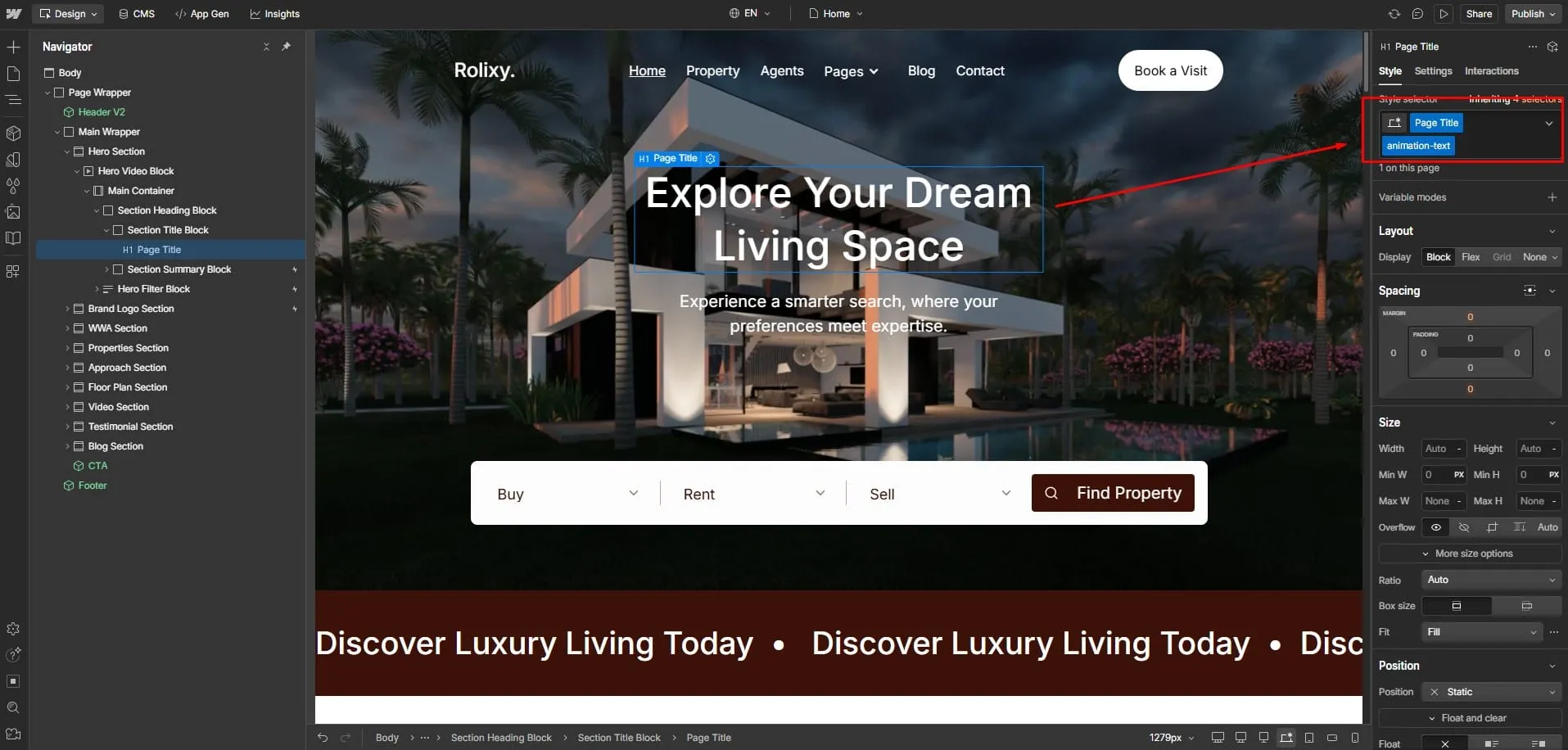
- Select any heading or text block that you want to animate.
- Add the class name: "animation-text" to enable the animation.
You can adjust duration, stagger, or start values to change timing or trigger point of the GSAP text animation from the JavaScript Code.